
The best control is the one you can find without thinking about it. Look through a game’s instructions, try a move and settle into a comfortable pace.
Different games need different gestures.
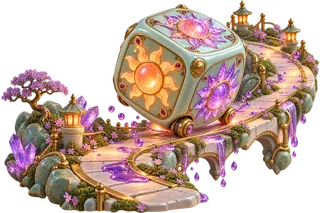
The new Wonderworks use labelled buttons, number choices and fields. You can reach them with Tab and activate buttons with Enter or Space. Touch and mouse use the same visible controls. Six Faces of Dawn also accepts arrow keys while its play area has focus.
Some inherited arcades use a canvas, direction keys or pointer positioning. Their instructions identify the supported controls. Typing inside a text field does not trigger the play area’s keyboard shortcuts.
Leave room for a pause.
Start game begins an attempt. Pause stops its activity; Resume continues it. With a supported play area focused, P or Escape pauses. Switching away from the tab pauses active play automatically, including a computer opponent’s pending turn.
An automatic preview has its own Pause control. Escape closes a preview dialog and returns focus to the control that opened it. Previews do not save rounds, personal scores or achievements.
Choose the feedback you enjoy.
Sound begins off and can be enabled inside the player. Reduced effects follows your system preference and can also be changed in the game. It removes decorative transitions without changing the rules.
Moving objects remain necessary in timing-based arcades. Wonderworks offers turn-based alternatives without countdowns. The original collection lists Challenge, Practice, Daily sprint or Classic only where that game supports them.